Enterprise Office 365 Consulting & Cloud Migration Architecture

Figure 1: High-Tech 3D Enterprise Cloud Migration Network Architecture and Global Data Hub.
The Strategic Imperative of Professional Office 365 Consulting
In today's fast-paced corporate ecosystem, digital transformation is no longer a peripheral IT project—it is the core engine driving enterprise agility, cross-functional collaboration, and bottom-line growth. Organizations migrating from legacy, on-premises infrastructures to Microsoft's cloud ecosystem face immense operational pressures. Without specialized office 365 consulting, IT leadership often encounters unexpected bottlenecks, prolonged deployment cycles, severe security vulnerabilities, and disruptive user downtime.
Achieving a resilient, future-proof cloud architecture requires more than a simple lift-and-shift script; it demands meticulous strategic planning, precise identity mapping, and comprehensive data governance. Whether your organization operates out of a traditional on-premises data center or a fragmented multi-cloud environment, partnering with an elite m365 deployment partner ensures that your transformation journey accelerates business productivity while safeguarding critical corporate data against modern threat vectors.
Navigating Complex Cloud Landscapes
Modern enterprises juggle multiple applications, legacy communication frameworks, and hybrid operational dependencies. When transitioning workloads to the cloud, internal IT teams frequently underestimate the sheer scope of configuration requirements. From managing hybrid email routing rules and configuring multi-factor authentication (MFA) to establishing enterprise-grade compliance policies, the learning curve is steep. Professional consultants bring proven deployment frameworks, minimizing human error and aligning technical implementation directly with corporate strategic goals. For further foundational resources, you can explore the Work365 Knowledge Base for deep dives into cloud infrastructure strategies.
The Hidden Costs of Unplanned Migration Downtime
Downtime in an enterprise environment carries a heavy financial and reputational toll. Lost employee hours, disrupted customer communications, and transaction failures compound rapidly during botched cutovers. A structured, risk-mitigated exchange to microsoft 365 migration ensures business continuity through phased cutover schedules, rigorous pre-migration validation, and real-time synchronization monitoring. Engaging seasoned architects protects your enterprise from costly operational halts and safeguards stakeholder confidence.
Core Architecture and Technical Topologies for Enterprise Migration

Figure 2: Futuristic 3D Hybrid Cloud Infrastructure and Data Flow Diagram.
Successful cloud execution begins with a profound understanding of enterprise network topologies. Designing an optimal Microsoft 365 architecture requires balancing performance, security, and administrative overhead.
Designing Hybrid vs. Pure Cloud Topologies
Enterprise architects must carefully evaluate whether a pure cloud model or a hybrid coexistence model best serves their operational requirements. While smaller organizations can transition entirely to the cloud, large enterprises with regulatory mandates, legacy dependencies, or massive data volumes typically implement a hybrid topology.
- Hybrid Coexistence: Maintains local Exchange servers for specific relay functions, administrative management tools, or compliance archiving while routing user mailboxes to Exchange Online.
- Pure Cloud Topology: Completely deprecates legacy on-premises infrastructure, centralizing all identity management, email routing, and document collaboration within the Microsoft 365 tenant.
Choosing the right path requires comprehensive network assessments, bandwidth evaluations, and latency profiling across global office locations.
Streamlining Legacy Email Migration Solutions
Email remains the lifeblood of corporate communication, making email migration solutions a critical pillar of any deployment strategy. Transitioning gigabytes—or terabytes—of archived emails, calendars, contacts, and personal folders demands robust tooling and error-handling protocols. During large-scale projects, legacy PST files scattered across local user drives often present substantial hurdles. Clean data intake requires structured workflows, such as those outlined in our comprehensive Import PST to Office 365 Guide, which details automated ingestion techniques to clean and centralize historical records without corrupting metadata or folder hierarchies.
Executing a Flawless Exchange to Microsoft 365 Migration

Figure 3: Advanced 3D Data Synchronization and Enterprise Server Cluster.
Transitioning messaging systems from on-premises Exchange servers or third-party platforms (like Google Workspace or Lotus Notes) to Exchange Online is a high-stakes operational maneuver. It requires a methodical, phase-driven execution plan.
Staged vs. Cutover vs. Hybrid Migrations
Enterprise IT architects select migration methodologies based on mailbox counts, network limitations, and operational windows:
- Cutover Migration: Ideal for small to mid-sized organizations with fewer than 2,000 mailboxes migrating over a weekend window. All mailboxes, contacts, and distribution lists are moved simultaneously.
- Staged Migration: Suited for larger organizations (up to several thousand mailboxes) where moving everything at once is unfeasible. Batches of user mailboxes are migrated sequentially over weeks or months while hybrid coexistence is maintained.
- Hybrid Migration: The gold standard for enterprises exceeding 2,000 mailboxes, organizations requiring seamless free/busy calendar sharing, or those needing strict compliance controls during a protracted transition period.
Managing Identity Synchronization and Azure AD Connect
Identity is the new security perimeter in cloud architecture. Establishing a seamless bridge between on-premises Active Directory Domain Services (AD DS) and Azure Active Directory (now Microsoft Entra ID) is vital.
- Password Hash Synchronization (PHS): Replicates hashes of user passwords from on-premises AD to Azure AD for streamlined cloud authentication.
- Pass-Through Authentication (PTA): Validates user sign-ins directly against the on-premises active directory using a lightweight agent.
- Federated Authentication (AD FS / Third-Party IdP): Delegates authentication to an on-premises federation service, providing granular control over sign-in policies.
A qualified cloud migration provider ensures that identity synchronization is optimized, resilient, and protected against split-brain scenarios or replication lag.
Enterprise Tenant Migration and Security Hardening

Figure 4: Cybersecurity 3D Shield Protecting Global Enterprise Cloud Network.
As organizations scale, mergers, acquisitions, and corporate restructuring often necessitate complex enterprise tenant migration projects. Consolidating separate Microsoft 365 tenants or splitting a single tenant requires specialized scripting, migration tools, and deep tenant-level administrative privileges.
Multi-Tenant Architecture and Consolidation Strategies
Tenant-to-tenant migrations involve moving users, mailboxes, SharePoint sites, OneDrive content, and Microsoft Teams data across distinct organizational boundaries. Key technical challenges include:
- Identifier Conflicts: Resolving duplicate user principal names (UPNs), email addresses, and security identifiers (SIDs).
- Cross-Tenant Object Mapping: Rewriting permission lists, sharing links, and access control lists (ACLs) so that historical document collaborations remain functional post-migration.
- Downtime Minimization: Executing staged delta syncs to mirror changes right up to the final cutover second.
Advanced Compliance, Data Governance, and Zero-Trust Security
Security hardening must be woven into the fabric of your deployment from day one. Relying on default configurations leaves enterprises exposed to sophisticated phishing attacks, credential stuffing, and data exfiltration. Elite consultants implement a Zero-Trust security framework encompassing:
- Conditional Access Policies: Enforcing strict access controls based on user identity, device compliance, location, and real-time risk scoring.
- Microsoft Purview Compliance Manager: Establishing automated data loss prevention (DLP) policies, retention labels, and eDiscovery workflows to meet regulatory frameworks like GDPR, HIPAA, and SOC 2.
- Advanced Threat Protection (ATP): Safeguarding collaboration channels against malicious attachments, zero-day exploits, and compromised credentials.
Internal IT vs. Certified M365 Deployment Partner: A Strategic Comparison
| Evaluation Dimension | Internal IT Team Management | Certified M365 Deployment Partner |
|---|---|---|
| Project Velocity | Slower; constrained by day-to-day operational firefighting and routine maintenance. | Accelerated; dedicated migration specialists execute projects on strict timelines. |
| Specialized Expertise | Generalist IT skills; limited exposure to edge-case tenant migrations and complex hybrid topologies. | Deep vertical expertise; certified enterprise architects with cross-industry migration experience. |
| Risk Mitigation | High risk of configuration oversights, compliance gaps, and unexpected user downtime. | Proactive risk management, rigorous pre-migration testing, and zero-downtime cutover strategies. |
| Post-Migration Support | Internal teams stretched thin trying to support newly adopted cloud applications. | Comprehensive post-deployment managed services, user training, and ongoing security tuning. |
Selecting the Right Cloud Migration Provider: A Definitive Evaluation Checklist
When evaluating potential partners to guide your digital transformation, enterprise decision-makers must look beyond surface-level sales pitches and examine concrete technical qualifications.
- Microsoft Gold / Cloud Solutions Provider (CSP) Competencies: Verify that the partner holds verified Microsoft partner designations, demonstrating advanced specialization in cloud productivity and enterprise mobility.
- Proven Enterprise Case Studies: Review documented case histories detailing successful migrations of comparable scale, complexity, and industry compliance requirements.
- Structured Methodology & Tooling: Inquire about their proprietary migration frameworks, automated scripts, throttling management strategies, and rollback contingency plans.
- End-to-End Governance and Support: Ensure the partner offers comprehensive services spanning initial assessment, architectural design, identity federation, user training, and post-migration managed support. For additional strategic considerations, consult our expert Microsoft Office 365 Consultant Guide.
Accelerating Digital Transformation with Structured Packages
Transitioning your enterprise infrastructure requires absolute clarity, predictable budgeting, and guaranteed deliverables. Ad-hoc consulting engagements often suffer from scope creep and unpredictable billing structures. By opting for structured, tier-based implementation models, businesses can align technical milestones directly with executive expectations.
To review transparent options tailored to organizations of varying scales—from mid-market businesses to sprawling global enterprises—examine our comprehensive Office 365 Package & Pricing models designed to fit your operational cadence and budgetary parameters.
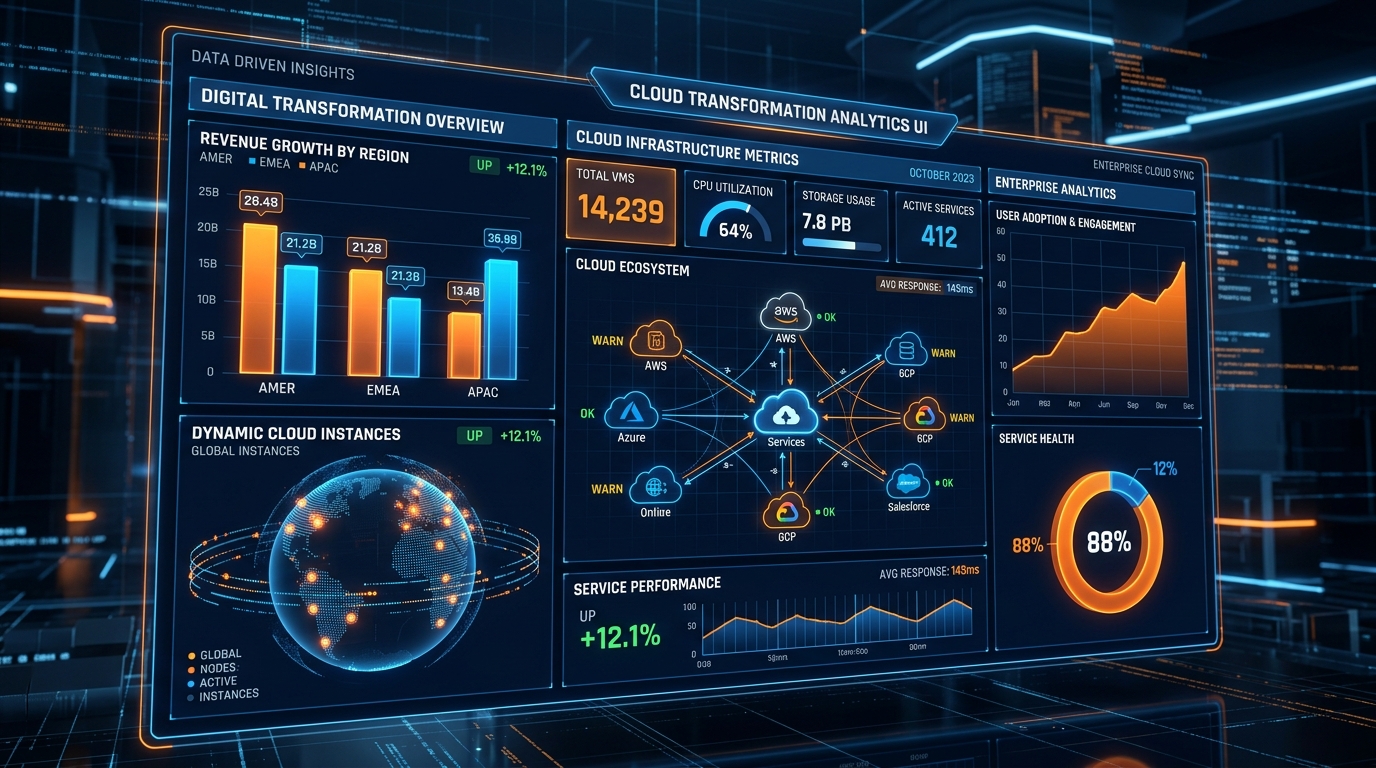
Figure 5: Futuristic 3D Digital Transformation Dashboard and Cloud Analytics.
Conclusion and Enterprise Action Plan
Migrating to Microsoft 365 is a defining milestone in an enterprise's technological evolution. Done right, it unlocks unprecedented levels of collaboration, operational efficiency, and rock-solid security. Done poorly, it results in prolonged downtime, frustrated employees, and severe security vulnerabilities.
Navigating this transition with an elite partner ensures your organization leaps past common technical pitfalls. Take control of your cloud roadmap today by reviewing our tiered Office 365 Package & Pricing structures or exploring further technical insights in our Work365 Knowledge Base. Partner with certified experts and empower your enterprise for the future of work.
Get Genuine Office 365 Pack for $10
Unlock full desktop applications, 1TB OneDrive cloud storage, and 1-year full warranty.
Order $10 Pack via WhatsApp