Office 365 Migration Services: Enterprise Transition Guide
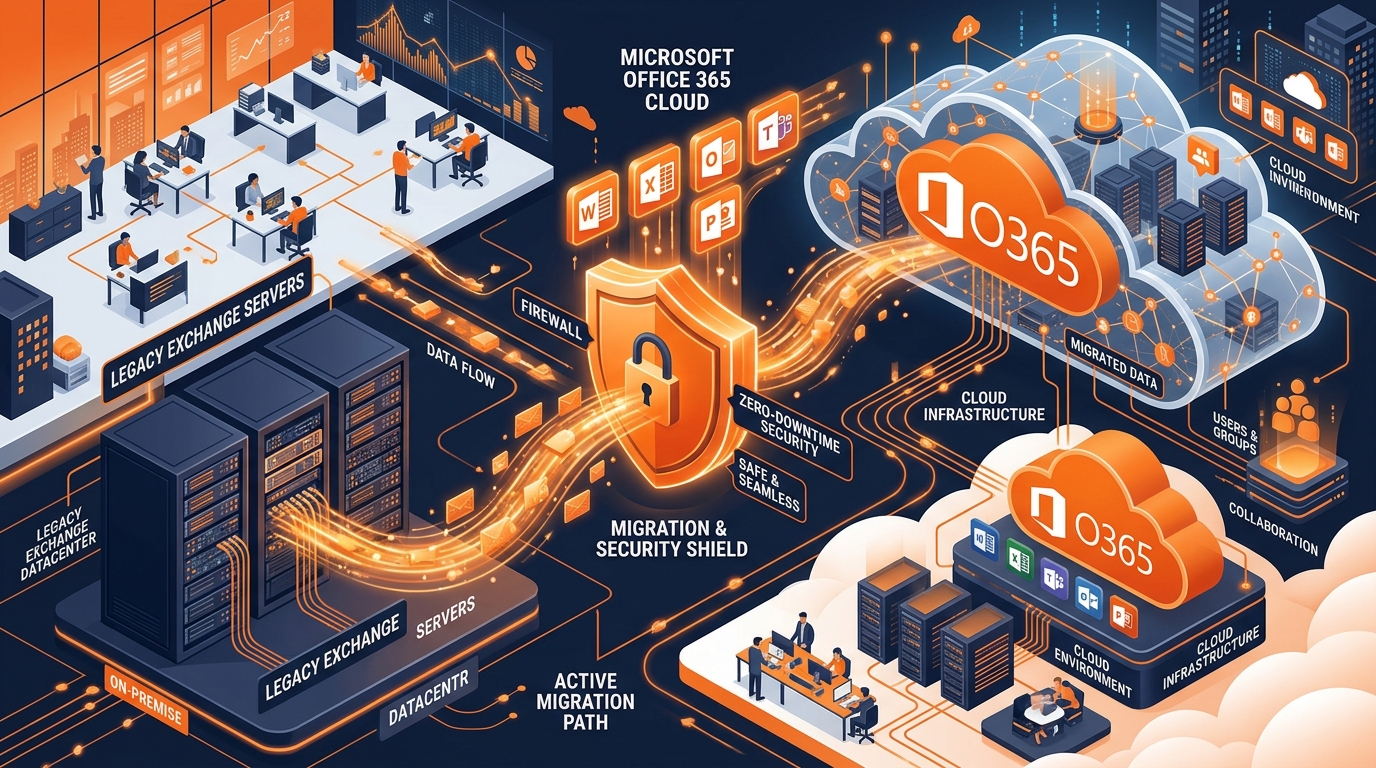
Figure 1: Architectural workflow of Enterprise Office 365 Migration Services with automated checksum validation.
Introduction: Eliminating Downtime Risks During Cloud Cutovers
Transitioning enterprise communication channels, email archives, and collaboration repositories to the cloud is one of the most transformative digital initiatives an organization can undertake. However, attempting to migrate complex datasets without specialized office 365 migration services exposes businesses to severe risks—including email bounce-backs, lost PST archives, compliance violations, and extended workforce downtime.
For IT directors, CTOs, and business leaders, seamless execution is non-negotiable. Partnering with a dedicated cloud migration provider ensures that mailboxes, SharePoint sites, OneDrive storage, and Microsoft Teams setups transition cleanly with zero data loss. To review genuine enterprise software licenses and deployment options, explore our Office 365 Software Licenses & Package Pricing.
Why Professional Office 365 Migration Services Are Essential
Many internal IT departments possess deep expertise in local workstation administration, but lack hands-on experience with large-scale tenant-to-tenant or Exchange-to-cloud migrations. Executing a zero-downtime cutover requires specialized tooling, bandwidth provisioning, and staging strategies.
1. Zero Data Loss & Integrity Verification
Professional migration partners utilize automated delta synchronization and checksum validation tools to guarantee that every email, calendar item, attachment, and contact record arrives intact.
2. Security & Compliance Governance
During data transit, strict encryption standards (TLS 1.3, AES-256) are enforced to safeguard sensitive corporate intellectual property against intercepted traffic or unauthorized access.
3. Tailored Tenant Topologies
Custom structuring of Entra ID (Azure AD) user identities, Multi-Factor Authentication (MFA) rules, and Data Loss Prevention (DLP) security baselines before user cutover occurs.
Understanding Migration Topologies: Cutover vs. Staged vs. Hybrid
Selecting the correct migration architecture depends on your company size, legacy Exchange version, and network infrastructure. A qualified m365 deployment partner helps evaluate the optimal strategy:
| Migration Topology | Ideal Organization Size | Key Technical Characteristics | Downtime Risk |
|---|---|---|---|
| Cutover Migration | Under 200 Mailboxes | All mailboxes migrated simultaneously over a single weekend. DNS MX record switched rapidly. | Minimal (Over Weekend) |
| Staged Migration | Medium Enterprises (200 - 1,000) | Mailboxes migrated in batches over several weeks. Requires directory synchronization. | Zero Downtime |
| Hybrid Deployment | Large Enterprises (1,000+ Users) | Seamless co-existence between on-premises Exchange server and Exchange Online. | Zero Downtime |
Key Deliverables Provided by an Email Migration Solutions Partner
When engaging comprehensive email migration solutions, your organization receives structured engineering support across every phase of the project lifecycle:
- Pre-Migration Readiness Assessment: Network bandwidth tests, legacy Exchange health checks, and active directory cleaning.
- PST & Archive Ingestion: Ingesting legacy PST storage tables directly into cloud archives. For step-by-step technical documentation, read our IT Admin Guide to Importing PST to Office 365.
- SharePoint & OneDrive Structuring: Transferring local file shares to cloud document libraries with granular permission mapping.
- Post-Migration Optimization & Support: 24/7 hyper-care support during post-launch week to resolve user Outlook configuration issues. For consulting guidance, review our Microsoft Office 365 Consultant Hiring Guide.
How to Select the Right Enterprise Tenant Migration Partner
To successfully execute an enterprise tenant migration, follow this evaluation checklist when selecting a service provider:
- Microsoft Certified Credentials: Verify Microsoft Solutions Partner for Modern Work or Enterprise Administrator Expert certifications.
- Proven Case Studies: Demand verified case studies of migrations performed for firms with dataset sizes matching your company.
- Clear SLA Guarantees: Ensure written Service Level Agreements guaranteeing zero data loss and defined cutover timelines.
Conclusion: Plan Your Cloud Migration with Confidence
Investing in certified office 365 migration services eliminates operational risk, protects mission-critical company data, and ensures immediate workforce productivity. By aligning expert engineering with zero-downtime execution, your business can unlock the full power of Microsoft's cloud ecosystem seamlessly.
Ready to migrate your enterprise email and files? Reach out to our team today for a free cloud migration consultation and custom deployment plan.
Explore full license options and software packages at our Work365 Pricing & Package Portal.
Ready to Upgrade Your Enterprise Cloud Workspace?
Get genuine Microsoft 365 enterprise packages with instant automated delivery, 1TB OneDrive cloud storage, and full 12-month warranty.
Explore Packages & Pricing